Checks to see if email exists on a POP3 server that you specify. For example, you can create a task that checks e-mail in the morning and the evening automatically for you, thus minimizing distractions during your work day.
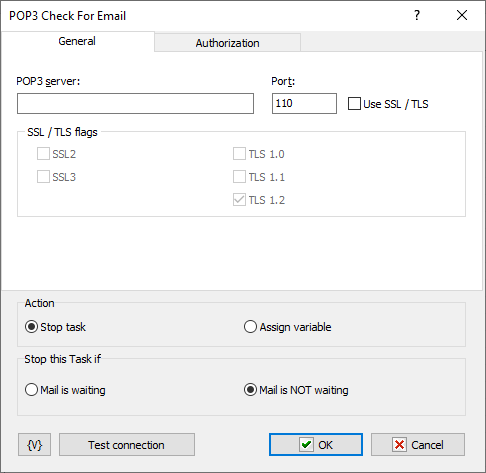
POP3 Server
Enter the POP3 server for e-mail.
Port
Enter the port number. The default port number is 110.
Use SSL
Select this checkbox if you want to use SSL connection.
Username
Enter the user name for the e-mail account on the mail server.
Password
Enter the password for the e-mail account.
Stop this Task if
Enter whether you want the current task to do one of the following before e-mail is downloaded from the mail server:
•Mail is Waiting - stops the task if mail is on the mail server.
•Mail is Not Waiting - stops the task if mail is not on the mail server.
 Related Topics
REST Client/Invoke Web Service