Sends a text message using a local network area (LAN) connection to the specified computer. For example, you can use this action to display a message every time you receive an e-mail from a special customer when you are logged into a different computer on your network and cannot check your e-mail.
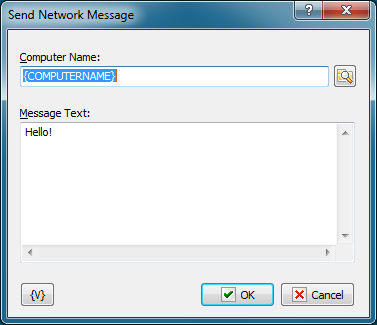
Computer Name
Enter the name of the computer or domain name that the message should be sent to. When the "*" symbol (without quotes) is specified, the message is broadcast to every computer in the primary domain of the system.
Important
If the Windows Messenger service is not running on the target computer, the message will not be received.
Message Text
Specifies the text of the message to be sent.
Variable
Allows you to add a variable to the action or triggering event that you selected. You must place the cursor in a edit box in the settings dialog window of the action or event and then click the {V} button.
 Related Topics