Deletes the specified key (branch) from the registry. The specified key will be deleted together with all its subkeys and entries.
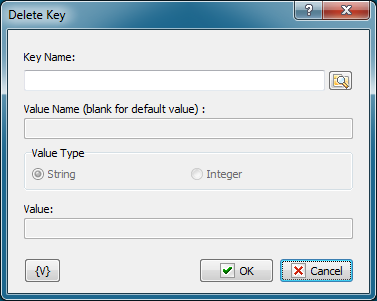
Key Name
Name of the key to be deleted. You can use the dialog box to select the key interactively; to open it click the button to the right of the text box.
Variable
Allows you to add a variable to the action or triggering event that you selected. You must place the cursor in a edit box in the settings dialog window of the action or event and then click the {V} button.
 Related Topics