Displays a message box that displays custom text or plays a sound file. For example, you can use this action to display a message and play a sound every time your backup finishes archiving the files.
Tip
•The message box displayed by this action has an OK button. You can display a message box with a Yes and No button with the Question Dialog action.
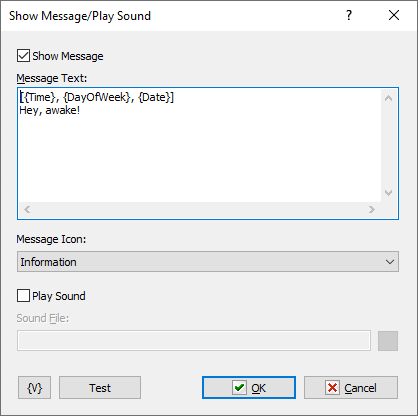
Show Message
Click this check box to display the message box.
Message Text
Enter the text for the message box.
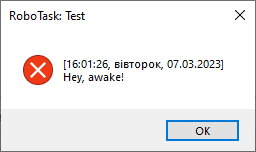
Message Icon
Select the style of the icon for the message box:
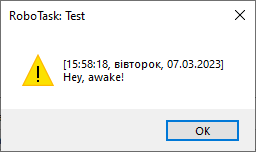
•Exclamation
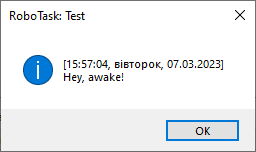
•Information
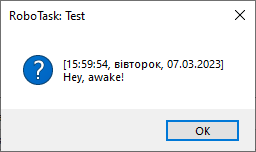
•Question
•Error
Play Sound
Click this check box to play a sound. When you click the check box, you can click the browse button to select a .wav file on the computer.
Test
Click this button to ensure that the parameters for the current action work.
Variable
Allows you to add a variable to the action or triggering event that you selected. You must place the cursor in a edit box in the settings dialog window of the action or event and then click the {V} button.
 Related Topics