Allows you to the change the current folder. This is useful if you need to set the current folder during a series of actions or tasks. This action is useful with other file actions like copy, move.
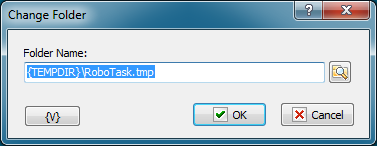
Folder Name
Enter the name of the destination folder. You can click the browse button to select a folder.
Variable
Allows you to add a variable to the action or triggering event that you selected. You must place the cursor in a edit box in the settings dialog window of the action or event and then click the {V} button.
 Related Topics